

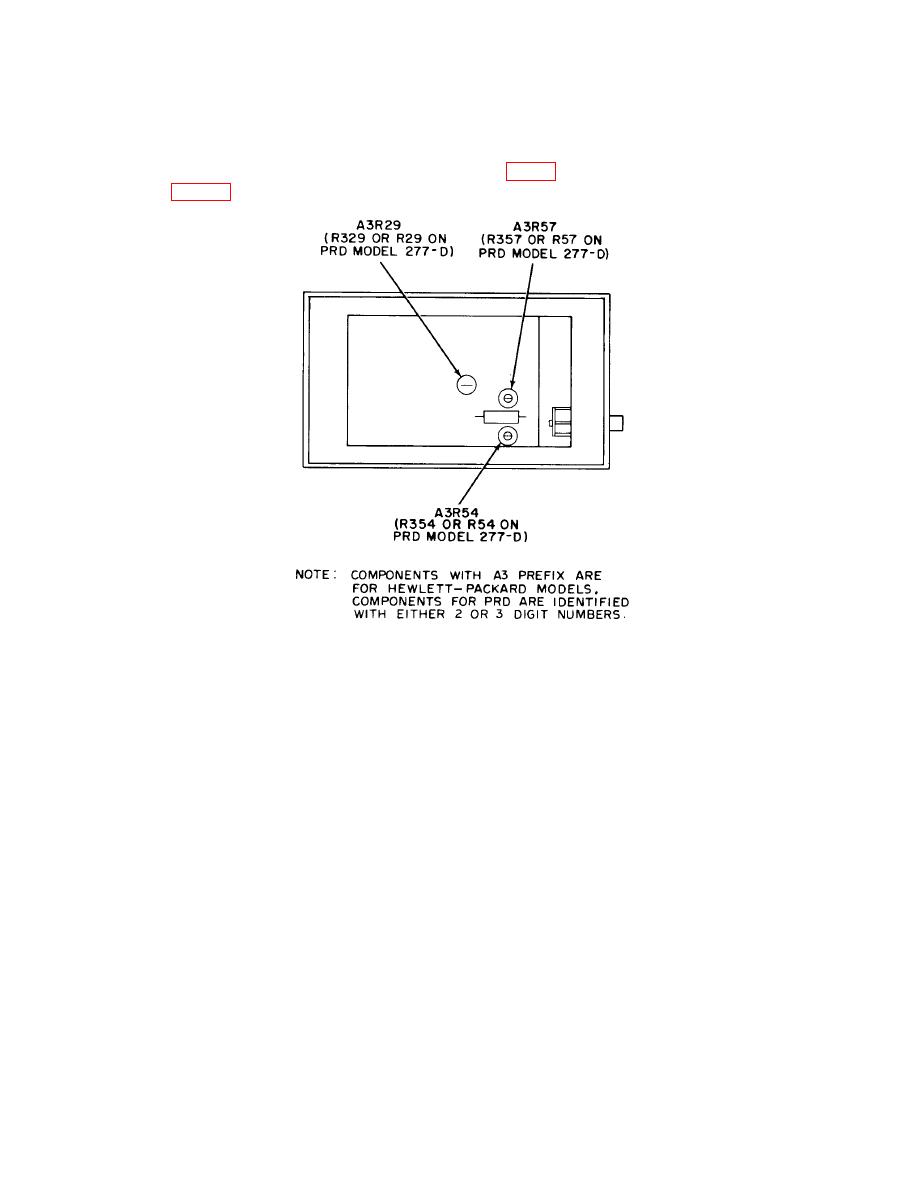
TB 9-4931-321-35
(3) Set TI INPUT (INPUT SELECTOR) switch to LOW.
listed in table 4 are within specified limits.
a. Performance Check
(1) Connect function/arbitrary generator to TI INPUT using 50 Ω termination.
up-scale indication on TI meter.
(3) Adjust FREQ control for maximum meter indication. If necessary, reduce
amplitude of function/arbitrary generator output.
(4) Adjust amplitude of function/arbitrary generator output for a 0 (zero) dB
indication on TI meter 0 (zero) to 10 dB scale.
(5) Function/arbitrary generator output will not exceed 0.15 V rms.
(6) Adjust autotransformer from 105 to 125 V, while maintaining 0 (zero) dB
indication on TI meter with amplitude control of function/arbitrary generator.
(7) Function/arbitrary generator output amplitude will not exceed 0.15 V rms.
(8) Adjust autotransformer for a 115 V output.
(9) Set INPUT (INPUT SELECTOR) switch to HIGH.
