

TB 9-6625-2139-24
(38) Set HORIZONTAL MODE switch to B adjust B INTENSITY control for
suitable viewing.
(39) Verify a stable display can be obtained by adjusting B TRIGGER LEVEL
control in a position other than B RUNS AFTER DLY; if not, perform b below.
(40) Press B TRIGGER SLOPE pushbutton to IN and verify a stable display can be
obtained by adjusting B TRIGGER LEVEL control in a position other than B RUNS
AFTER DLY; if not, perform b below.
(41) Position controls as listed in (a) through (c) below:
(a) VERTICAL MODE CH 1 BOTH CH 2 switch to CH 2.
(b) HORIZONTAL MODE switch to A.
(c) B TRIGGER SLOPE pushbutton to OUT.
(42) Connect oscilloscope calibrator CHAN 1 to TI CH2 using a 50 :
feedthrough termination.
(43) Set oscilloscope calibrator LEVEL SINE output to 100 MHz and approximately
100 mVpp for 1.5 divisions of vertical display on TI.
(44) Set A TRIGGER pushbutton to first row listed in table 22 and adjust A
TRIGGER LEVEL control to obtain a stable display. If a stable display cannot be
obtained, perform adjustments listed in table 22.
(45) Repeat technique of step (44) above for remaining A TRIGGER pushbutton
combinations listed in table 22. If a stable display cannot be obtained for each combination,
perform adjustments list in table 22.
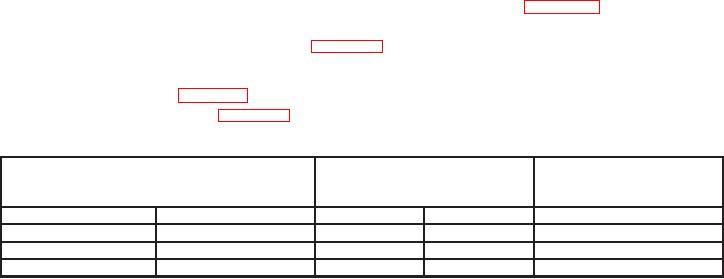
Table 22. A Trigger Level Channel 2
Test instrument
Test instrument
Test instrument
A TRIGGER
A TRIGGER LEVEL
adjustments
pushbutton combinations
stable display test
MODE
SLOPE
b
Yes
No
b
NORM
IN:
b
P-P AUTO
IN:
b
P-P AUTO
OUT:
(46) Set HORIZONTAL MODE switch to B adjust B INTENSITY control for
suitable viewing.
(47) Verify a stable display can be obtained by adjusting B TRIGGER LEVEL
control in a position other than B RUNS AFTER DLY; if not, perform b below.
(48) Press B TRIGGER SLOPE pushbutton to IN and verify a stable display can be
obtained by adjusting B TRIGGER LEVEL control in a position other than B RUNS
AFTER DLY; if not, perform b below.
(49) Position controls as listed in (a) through (d) below:
(a) VERTICAL MODE CH 1 BOTH CH 2 switch to CH 1.
30