

TB 9-6625-2363-35
Measuring receiver modulation indications
(%)
Test instrument
AM Depth
Min
Max
(%)
30%
27.2
32.8
60%
55.4
64.6
90%
83.6
96.4
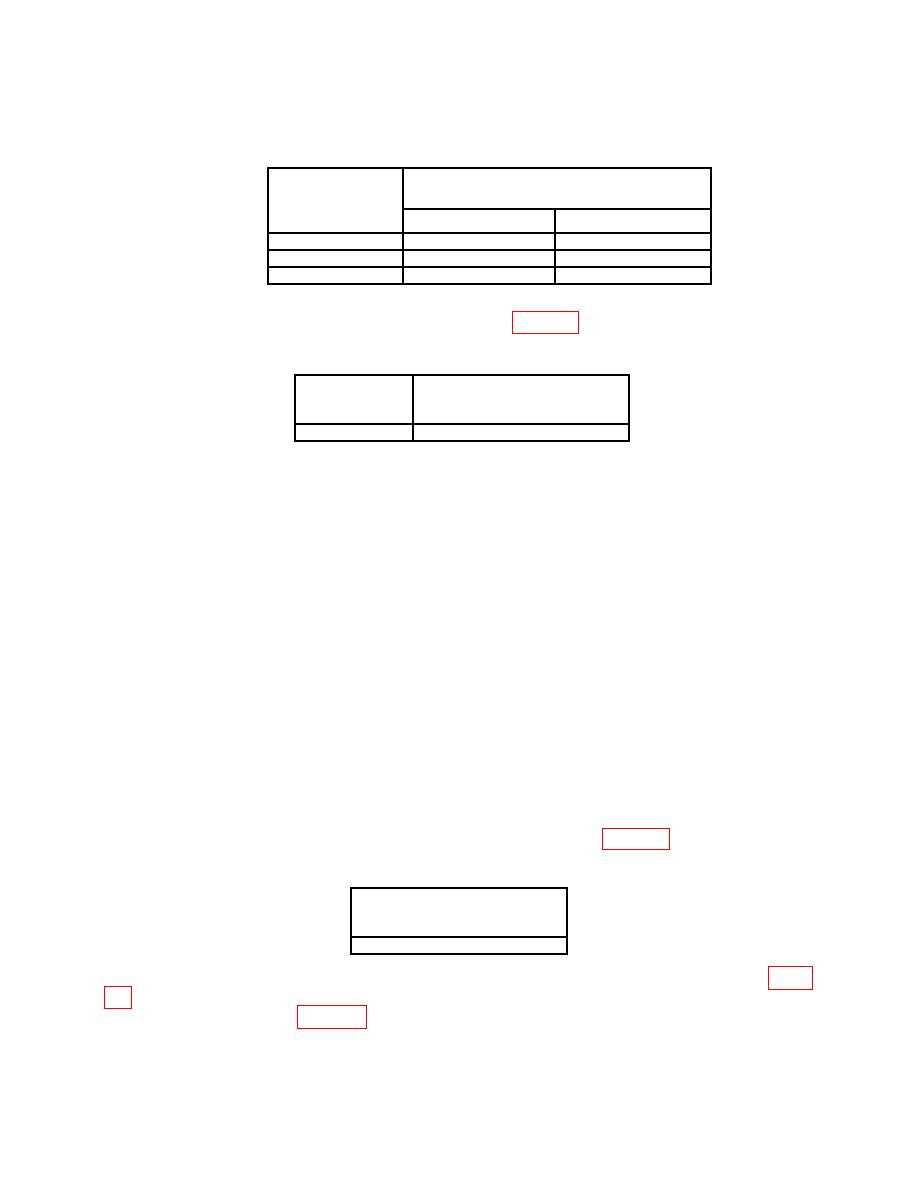
(6) Press TI [AM Depth], 3, 0, [%]. Using audio analyzer, measure AM distortion.
Audio analyzer will indicate within limit specified in table 11.
Test instrument
Audio analyzer
AM Depth
distortion indications
(<%)
30%
1.5
(7) Reduce all outputs to minimum.
b. Adjustments. No adjustments can be made.
14. Frequency Modulation
a. Performance Check
(1) Press TI pushbuttons as listed in (a) through (g) below:
(a)
Preset.
(b)
Frequency, 2, 5, 0, [MHz].
(c)
Amplitude, 0, [dBm].
MENUS FM/ΦM, [FM Rate], 1, [kHz].
(d)
(e)
[FM Dev], 5, 0, [kHz].
(f)
[FM Off On] to FM on.
(g)
RF On/Off to RF on.
(2) Set up measuring receiver to measure FM with a + PEAK detector, no high-pass
filter and no low-pass filter.
(3) Set up audio analyzer to measure distortion with a slow detecting noise rejecting filter.
(4) Audio analyzer will indicate within limits specified in table 12.
Audio analyzer
distortion indication
(%)
< 1%
(5) Press TI Frequency, [FM Rate], and [FM Dev] keys for values listed in table
within limits specified in table 13.
