

TB 9-6625-1493-35
(28) Set calibrator for a 10.0 V dc output. Adjust TI voltage dials for null indication
on each successively more sensitive position of NULL switch until null indication is
obtained on the most sensitive position. Final TI indication will be between 1.11107 and
1.11115.
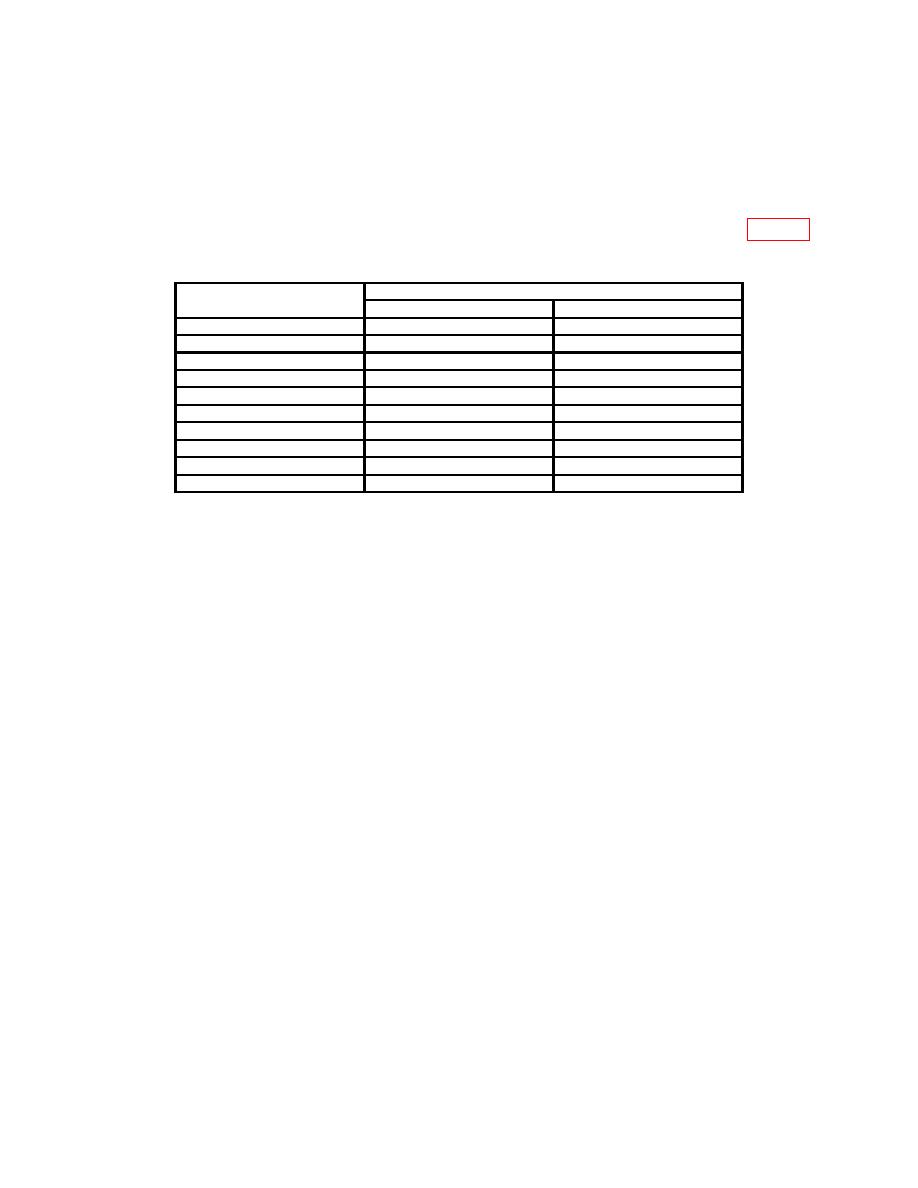
(29) Repeat technique of (28) above for dc voltage divider settings listed in table 5.
Final TI voltage dial indications will be within the specified limits.
Dc voltage divider
Test instrument final voltage dial indications
settings
Min
Max
.2222222
2.22215
2.22230
.3333333
3.33323
3.33344
.4444444
4.44431
4.44458
.5555555
5.55539
5.55572
.6666666
6.66647
6.66687
.7777777
7.77755
7.77801
.8888888
8.88862
8.88916
.9999999
9.99970
10.00030
.01000001
0.099991
0.100009
.0500000
0.499980
0.500020
1Set
TI RANGE switch to 1 and voltage dials to 0.100000.
b. Adjustments
(1) Set NULL switch to TVM and voltage dials to 10.00000.
(2) Set NULL switch successively to each more sensitive position while adjusting
R120 (fig. 1) for a null indication on TI (R).
(3) Set NULL switch to TVM and voltage dials to 1.000000.
(4) Set NULL switch successively to each more sensitive position while adjusting
R122 (fig. 1) for a null indication on TI (R).
(5) Set NULL switch to TVM and voltage dials to 100.0000.
(6) Set NULL switch successively to each more sensitive position while adjusting
R103 (fig. 1) for a null indication on TI (R).
11. Null Detector
a. Performance Check
(1) Short COMMON to INPUT terminal.
(2) Position controls as listed in (a) through (d) below:
(a) RANGE switch to 1.
(b) Voltage dials to .000000.
(c) NULL switch to .0001.
(d) Polarity switch to + (positive).
(3) Adjust ZERO control for 0 indication on VOLTS meter.
(4) Readjust voltage dials for VOLTS meter indication of -1. If voltage dial
indication does not indicate between .000097 and .000103, perform b below.
