

TB 9-6625-2155-35
(4) Set measuring receiver to measure frequency modulation, with + PEAK
detector, high pass filter to 300 Hz and Lo pass filter off and at a frequency of 15 GHz.
(5) Adjust the audio analyzer output level for a 100.0 kHz indication on the
TI meter.
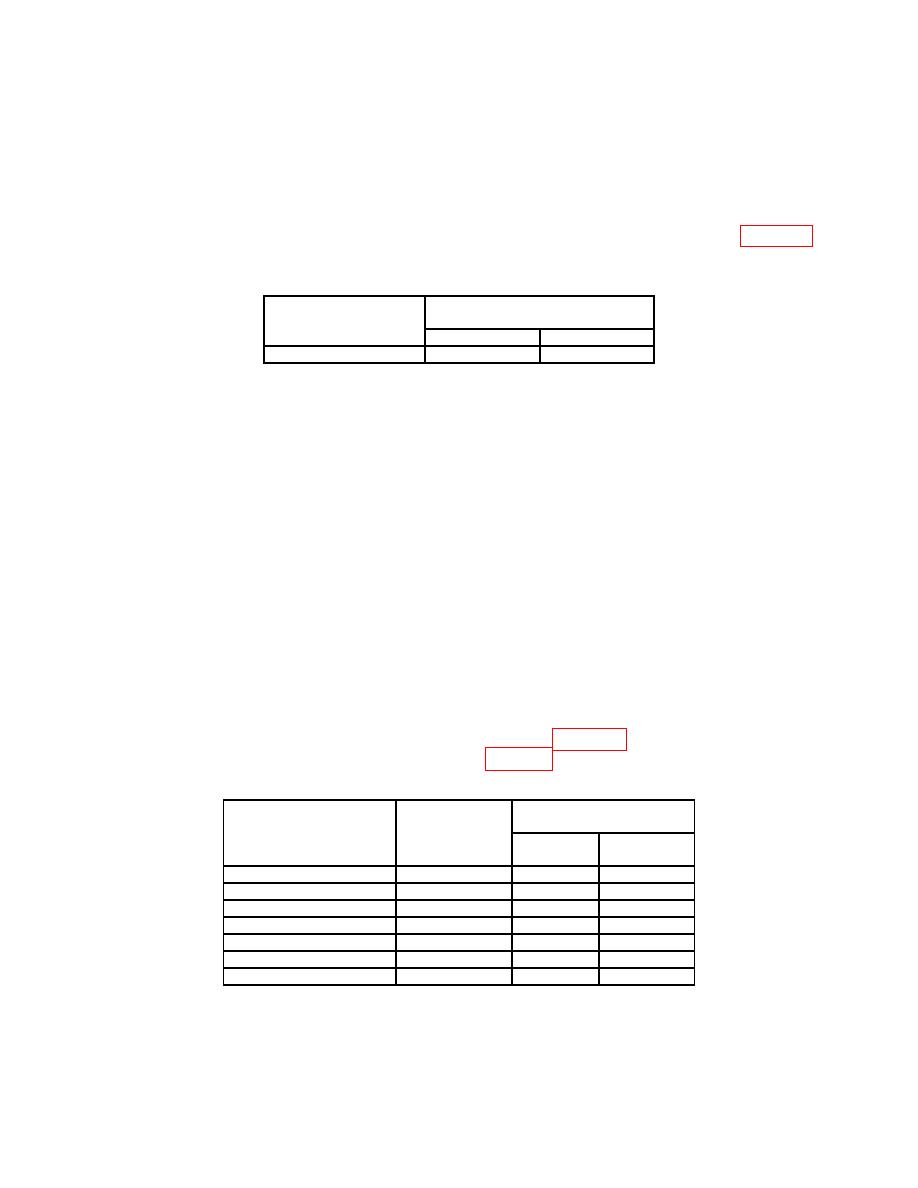
(6) If the measuring receiver does not indicate within limits listed in table 18
perform b below.
Measuring receiver indication
(Hz)
Test description
Min
Max
100 kHz FM meter
85 k
115 k
(7) Press TI keys as listed in (a) and (b) below.
(a) FREQUENCY, 4.0, GHz.
(b) FM DEVIATION MHz OFF.
(8) Set audio analyzer as listed in (a) and (b) below.
(a) Source level 20 mV.
(b) LEVEL STEP 0.1mV.
(9) Press TI FM DEVIATION 10 button. Set measuring receiver to measure
frequency modulation with +PEAK detector, high and Lo pass filter off, and at a frequency
of 4 GHz.
(10) Using the up and down arrow keys, adjust the audio analyzer output level for a
140.0 0.5 kHz FM deviation indication on the measuring receiver.
(11) Set audio analyzer to measure level and set units to dB, then set audio analyzer
to ratio mode.
(12) Set audio analyzer to frequencies listed in table 19 and verify that audio
analyzer level indication is within limits listed in table 19.
Audio analyzer
Audio analyzer indication
frequency
(Hz)
Test description
Min
Max
50
Hz
Response
50
-3
3
120
Hz
Response
120
-3
3
500
Hz
Response
500
-3
3
1 kHz Response
1000
-3
3
5 kHz Response
5000
-3
3
10
kHz Response
10000
-3
3
50
kHz Response
50000
-3
3
(13) Set audio analyzer as listed in (a) and (e) below.
27
