

TB 9-6625-2250-24
[REALIGN LO & IF] wait for ADJUST STATUS messages to disappear.
(b)
FREQUENCY then [CENTER FREQ] to 50 MHz.
(c)
SPAN then [ZERO SPAN].
(d)
AMPLITUDE then [LOG dB/DIV] to 1 dB.
(e)
CONTROL BW then [RES BW] to 10 kHz.
(f)
[VIDEO BW] to 1 Hz.
(g)
(4) Set attenuator No. 1 to 0 dB.
(5) Press TI MARKER ON key.
NOTE
Attenuator (fixed) listed in table 2 may be substituted in
equipment setup as necessary to obtain TI reference level in
(6), (16) and (26) below.
(6) Adjust attenuator No. 1 to position signal peak 2 to 3 dB (2 to 3 divisions) below
TI reference level.
(7) Press TI keys as listed in (a) through (e) below:
CONTROL TRIG.
(a)
[SINGLE].
(b)
[SINGLE]
(c)
MARKER ON.
(d)
[MARKER DELTA].
(e)
(8) Press synthesizer/level generator AMPLITUDE key.
(9) Press synthesizer/level generator INCR
key.
(10) Press TI AMPLITUDE then [REF LVL] to -10 dBm.
(11) Press TI CONTROL TRIG key then [SINGLE] key and wait for completion of sweep.
MKR indication will be within limits specified in first row of table 7.
(12) TI
(13) Repeat technique of (9) through (11) above for synthesizer/level generator
MKR
amplitude and TI AMPLITUDE [REF LVL] settings listed in table 7. TI
indications will be within limits specified in table 7.
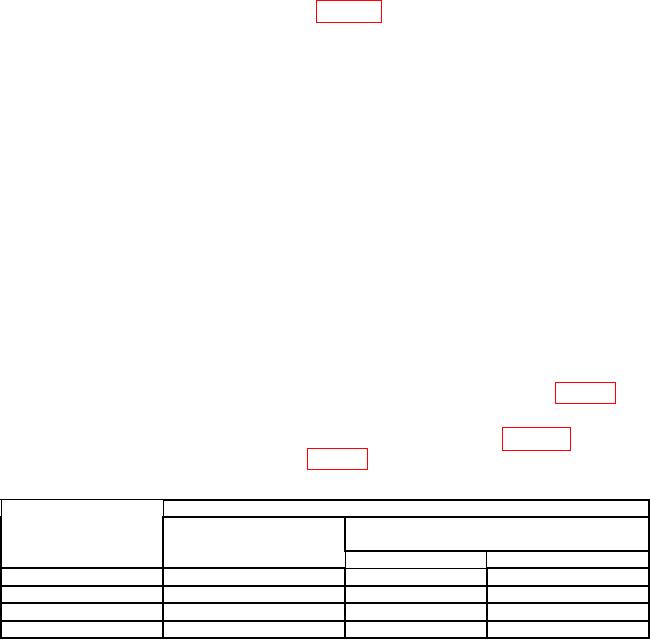
Table 7. Log Gain Uncertainty (10 dB Steps)
Synthesizer/level
Test instrument
MKR indications
AMPLITUDE (REF
generator amplitude
LVL) settings
settings
(dB)
(dBm)
(dBm)
Min
Max
0
-10
-11
-9
-10
-20
-21
-19
-20
-30
-31
-29
-30
-40
-41
-39
19