

TB 9-6625-2164-35
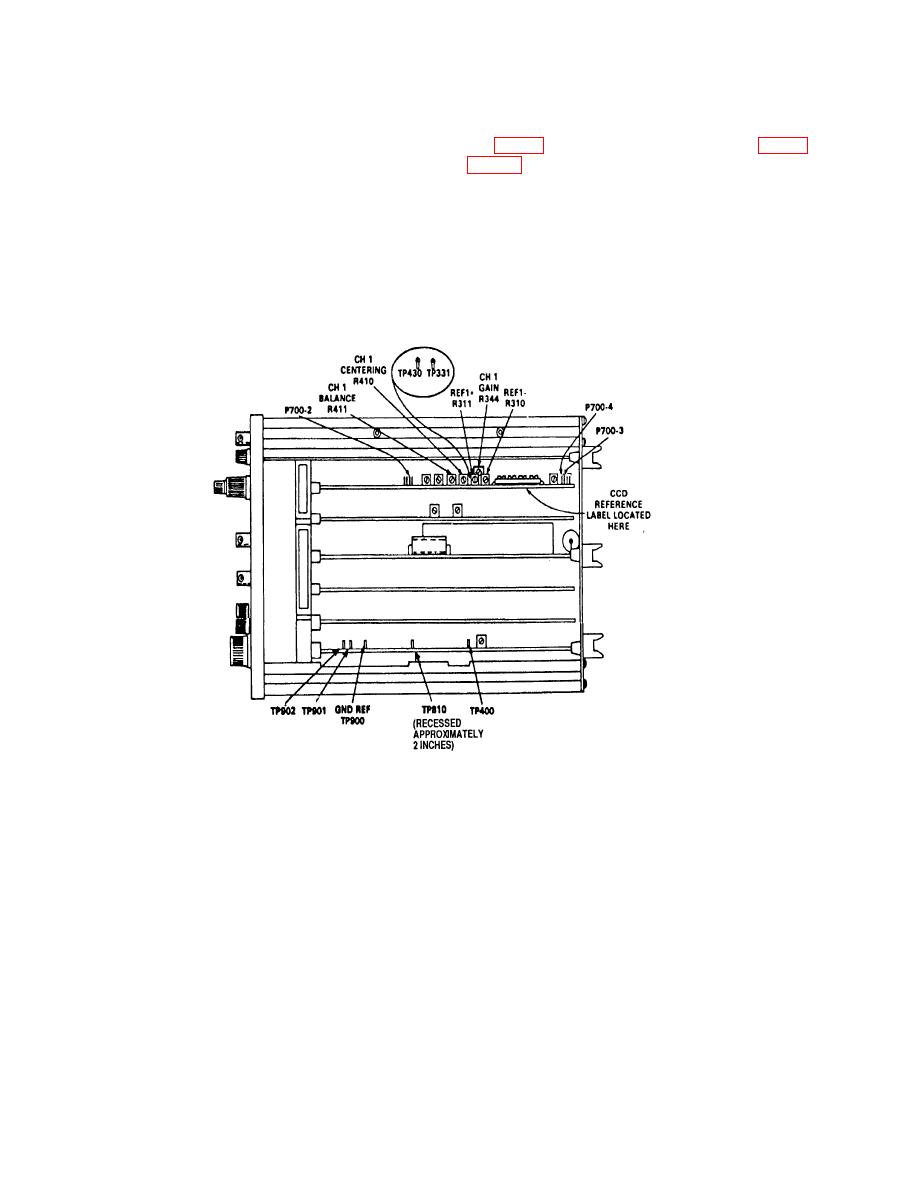
and adjust CH 2 TRIGGER OFFSET R445 (fig. 4) for 0 V 2 mV dc indication on
v. Remove all connections from TI.
w. Press MENU/TEST and MEMORY DISPLAY 4, 5, 6 and MENU/TEST pushbuttons.
x. Set CH 1 VOLTS/DIV switch to 100 mV.
y. Press CH 1 DC pushbutton.
z. Set TIME/DIV switch to 20 s.
aa. Press TRIGGERING/MODE AUTO pushbutton.
ab. Press TRIGGERING/COUPLING AC and HF REJ pushbutton.
termination, and set for Sine operation.
6
