

TB 9-6625-2296-35
(7) Press Scale (F1) key, adjust DATA SCROLL knob to select 10 mV, and press
DATA ENTRY ENTER key.
NOTE
If necessary, press Vert (F2) key and use DATA SCROLL
controls to position waveform vertically on display.
(8) Set oscilloscope calibrator level sine output for 50 kHz and 6 divisions of vertical
deflection on TI.
(9) Set oscilloscope calibrator leveled sine wave frequency to 1 MHz. Press Sweep
(F3) key and use DATA SCROLL controls, as necessary, to view waveform. Displayed
waveform will be greater than 4.2 divisions.
(10) Repeat technique of (6) through (9) above for Scale 100 mV.
NOTE
For (11) through (15) below; press Scale (F1) key, use DATA
SCROLL controls to set convenient display amplitude, press
Vert (F2) key, and use DATA SCROLL controls to position
markers vertically on display as necessary.
(11) Press Sweep (F3) key, adjust DATA SCROLL knob to select 1 s, and press
DATA ENTRY ENTER key.
(12) Set oscilloscope calibrator markers output for 1 s.
(13) Press Horiz (F4) key and adjust DATA SCROLL knob to align 1st marker with
1st vertical graticule line on TI.
(14) Use oscilloscope calibrator output adjustment controls to align 11th marker with
11th vertical graticule line on TI. Oscilloscope calibrator Err indication will be within 3%.
(15) Repeat technique of (11) through (15) above for remaining TI and calibrator
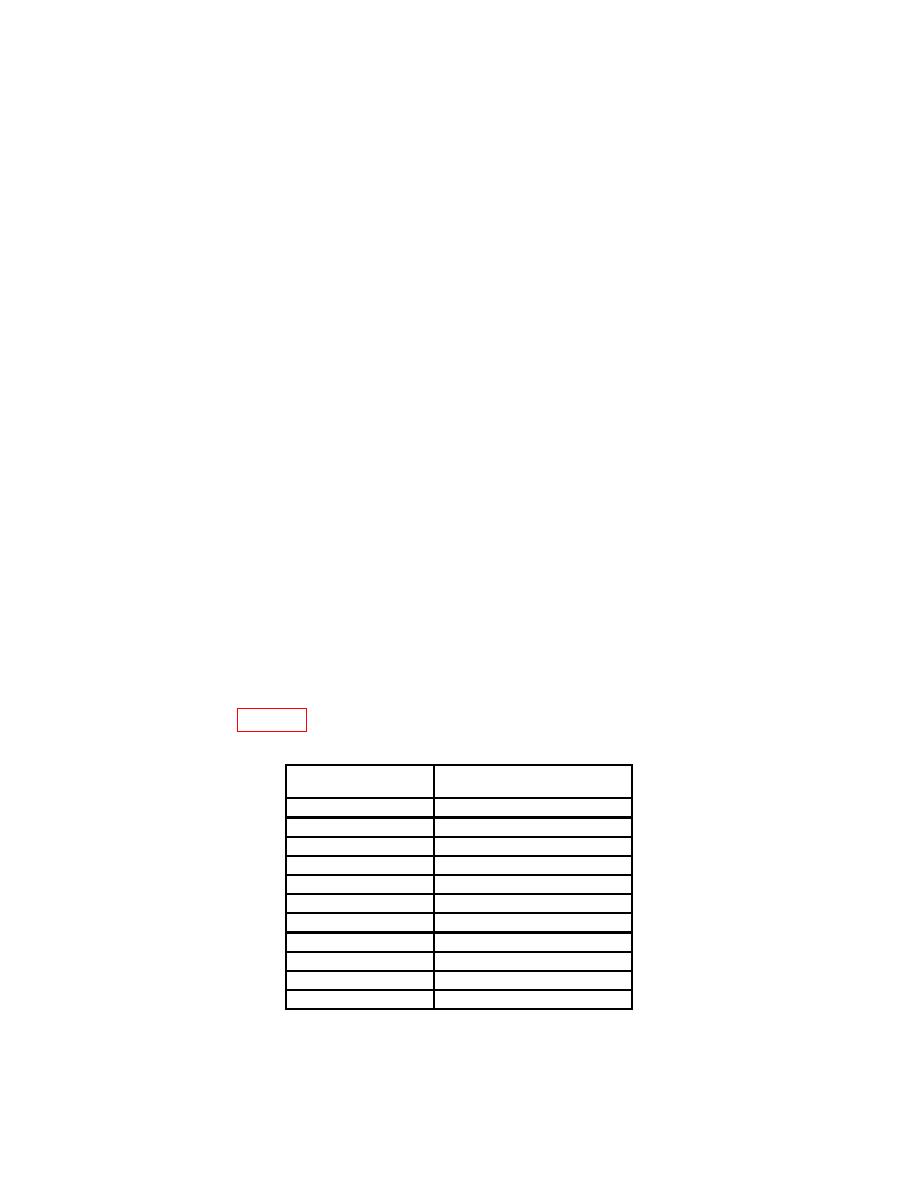
settings listed in table 12. Oscilloscope calibrator Err indications will be within 3%.
Test instrument
Oscilloscope calibrator
sweep settings
markers settings
5 s
5 s
10 s
10 s
20 s
20 s
50 s
50 s
100 s
100 s
200 s
200 s
500 s
500 s
1 ms
1 ms
2 ms
2 ms
5 ms
5 ms
10 ms
10 ms
32
