

TB 9-5120-212-24
NOTE
The calibration points must be approached in the direction of
increasing torque. If calibration point is passed, reduce torque
and approach calibration point again.
NOTE
Readings should not be taken with wrench "resting" against a
pawl. Readings must be made while applying steady force to
the pull handle.
(3) Set anti-wind-up knob on TI to CW. Operate TI cw to obtain indications listed
in table 6. If force/torque indicator indications are not within limits specified,
perform b below. Set anti-wind-up knob on TI to CCW. Slowly release pull
handle ccw to remove torque.
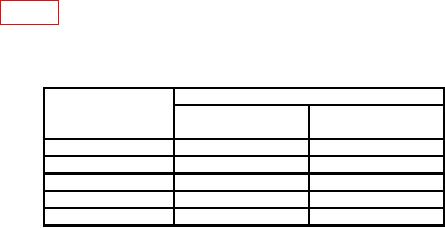
Table 6. Calibration Accuracy.
Test instrument
Torque cell indications (ft-lbs)
Indications
(ft-lbs)
Min
Max
250
225
275
300
275
325
750
725
775
1000
975
1025
1250
1225
1275
b. Adjustments
(1) Set the force/torque indicator to measure ccw torque.
(2) Exercise TI as follows:
(a) Set anti-wind-up knob on TI to CCW. Turn pull handle ccw to obtain an
approximate full-scale indication on TI.
NOTE
In order to set the anti-wind-up knob from CCW to CW a small
amount of ccw force will need to be applied.
(b) Set anti-wind-up knob on TI to CW. Slowly release pull handle cw to obtain a 0
indication on TI.
(c) Repeat (a) and (b) above two times.
(3) Ensure no torque is currently applied to TI.
(4) Press and hold the PRINT pad and press the ZERO pad.
(5) The TI display will prompt "ZERO LOAD CCW", press the ZERO pad again.
NOTE
When applying 1250 ft-lbs in both cw and ccw directions the
load must be held steady for a few seconds after RESET pad is
pressed so assistance will be needed.
15