

TB 9-4931-538-40
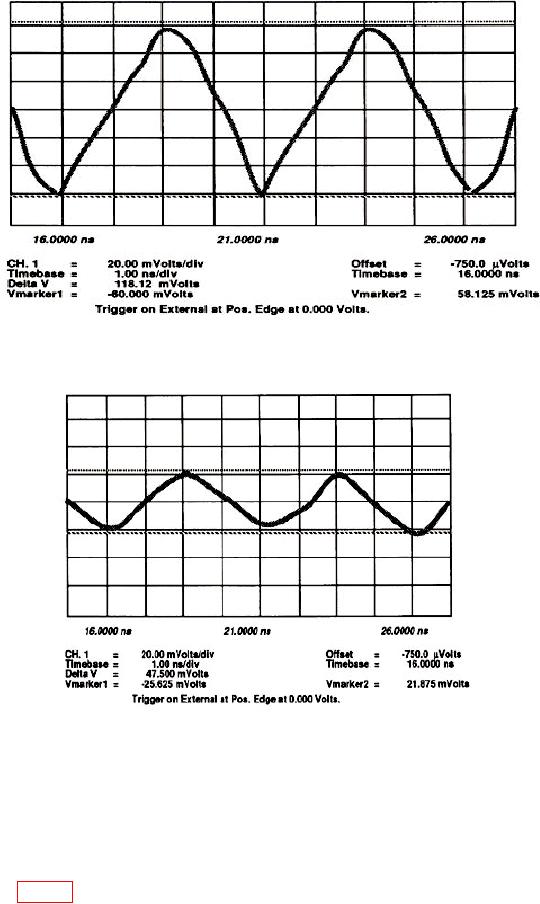
Figure 16. Low bandwidth adjustment with markers.
Figure 17. High bandwidth adjustment with markers.
o. Press Channels keys and set Channel 1 display Off and set Channel 2 display
On. Press Display Mode to Average is highlighted and set Bandwidth to 12.4 GHz is
highlighted.
p. Move connection from Channel 1 to Channel 2.
q. Repeat d through o above for Channel 2 except use LB2 and HB2 on vertical
assembly A2 (fig. 12).
35