

TB 9-6625-2134-24
17. Time/Div
a. Performance Check
(1) Connect oscilloscope calibrator to RF INPUT and to TI EXT TRIG input (rear
panel of TI).
(2) Position controls as listed in (a) through (h) below:
(a) FREQUENCY SPAN/DIV control to 100 MHz.
(b) FREQUENCY control to 1 MHz.
(c) FREQUENCY SPAN/DIV control to 100 kHz.
(d) RESOUTION BANDWIDTH control to 10 kHz.
(e) REFERENCE LEVEL control to -20 dBm.
(f) TIME/DIV control to 50 ms.
(g) TRIGGERING pushbutton to EXT.
(h) MIN RF ATTEN control to 20 dB.
(3) Set oscilloscope calibrator to 50 ms markers and TI FREQUENCY SPAN/DIV
control is reduced to zero.
(4) Adjust horizontal position control to aline a marker on first graticule line.
Check displacement of markers from their respective positions over center 8 divisions.
Individual marker displacement must not exceed 2 minor divisions (5 percent).
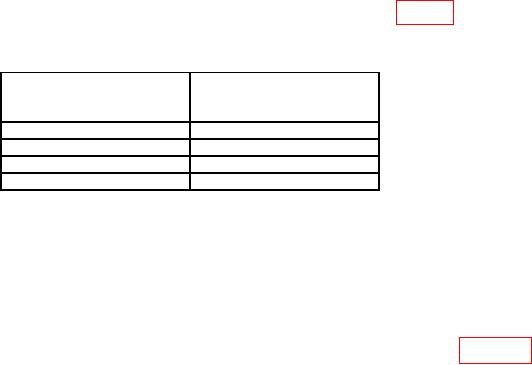
(5) Repeat technique of (3) and (4) above, using settings listed in table 7. Individual
marker displacement must not exceed 2 minor divisions (5 percent).
Table 7. Time/Division Accuracy Check.
Test instrument
Oscilloscope calibrator
TIME/DIV switch settings
marker setting
(ms)
(ms)
20
20
10
10
5
5
2
2
(6) Deactivate DIGITAL STORAGE pushbuttons.
control for a suitable display of time markers.
(8) Repeat technique of (4) above for TIME/DIV ranges of 1 ms to 20 s, applying
appropriate oscilloscope calibrator time marker output. Individual marker displacement
must not exceed 2 minor divisions.
(9) Disconnect oscilloscope calibrator and connect equipment as shown in figure 30.
(10) Set oscilloscope calibrator to .1 s markers.
(11) Position controls as listed in (a) through (e) below: