

TB 9-6625-2083-24
pushbutton for 6 divisions of display on TI. Oscilloscope calibrator Err display readout will
be within limits specified in table 13.
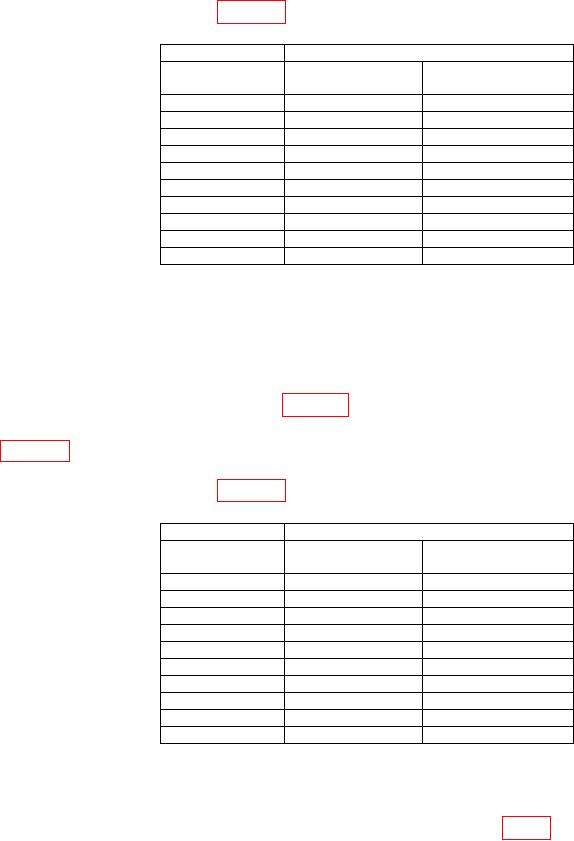
Table 13. Vertical Gain CH 2
Test instrument
Oscilloscope calibrator
VOLTS/DIV
VOLTAGE mode
Err display
setting
output
Indication limits (%)
5 mV
30 mV
3
10 mV
60 mV
3
20 mV
120 mV
3
50 mV
300 mV
3
0.1 V
0.6 V
3
0.2 V
1.2 V
3
0.5 V
3 V
3
1 V
6 V
3
2 V
12 V
3
5 V
30 V
3
(6) Press VERT MODE CH 1 pushbutton and release CH 2 pushbutton.
(7) Set oscilloscope calibrator for a CHAN 1, VOLTAGE mode output of 30 mV and
frequency of 1 kHz.
(8) Rotate oscilloscope calibrator knob located below EDIT FIELD pushbutton for 6
divisions of TI display. If oscilloscope calibrator Err display readout indication is not
within limits specified in first row of table 14, perform b (2) below.
(9) Set VOLTS/DIV and oscilloscope calibrator VOLTAGE to settings listed in
table 14 and at each setting, rotate oscilloscope calibrator knob located below EDIT FIELD
pushbutton for 6 divisions of display on TI. Oscilloscope calibrator Err display readout will
be within limits specified in table 14.
Table 14. Vertical Gain CH 1
Test instrument
Oscilloscope calibrator
VOLTS/DIV
VOLTAGE mode
Err display
setting
output
Indication limits (%)
5 mV
30 mV
3
10 mV
60 mV
3
20 mV
120 mV
3
50 mV
300 mV
3
0.1 V
0.6 V
3
0.2 V
1.2 V
3
0.5 V
3 V
3
1 V
6 V
3
2 V
12 V
3
5 V
30 V
3
b. Adjustments
(1) Rotate oscilloscope calibrator knob located below EDIT FIELD pushbutton for
an Err display readout of 0.0%, and adjust R569 CH 2 GAIN (fig. 9) (accessible without
removing case) for 6 divisions of display (R).
36