

TB 9-6625-2341-24
(g) (F1) CLOSE.
(h) SCOPEMETER/MAIN MENU to display SCOPE/METER/:/EXT.mV
and etc.
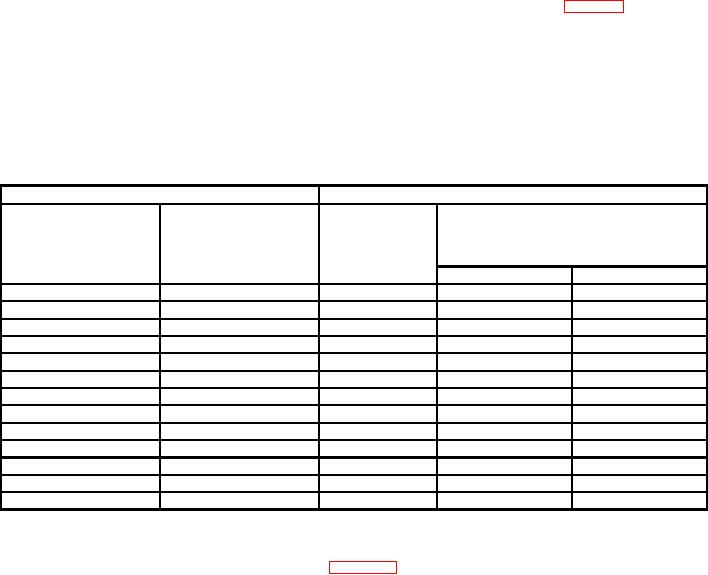
(6) Perform steps as listed in (a) through (d) below for each row in table 6.
(a) Under INPUT A pushbutton left side, toggle (mV RANGE V) to display TI
Range settings.
(b) Set calibrator to Voltage output settings at selected Frequency.
(c) If TI Voltage indications are not within specified limits, perform b below.
(d) Set calibrator to standby.
Table 6. Meter AC Volts
Calibrator
Test instrument
Voltage indication
Voltage output
(V rms ac)
settings
Frequency settings
Range settings
(V ac)
(Hz)
Min
Max
(V rms ac)
.1
55
100 m
98.00 m
102.0 m
.3
55
300 m
296.0 m
304.0 m
1
20
1
0.965
1.035
1
55
1
0.980
1.020
1
19 k
1
0.965
1.035
1
21 k
1
0.950
1.050
1
500 k
1
0.950
1.050
1
900 k
1
0.950
1.050
3
55
3
2.960
3.040
10
55
10
9.800
10.20
30
55
30
29.60
30.40
100
55
100
98.00
102.0
200
55
300
197.0
203.0
(7) RESET calibrator.
(8) Connect equipment as shown in figure 6 below:
22